Showing posts with label Designers Challenge. Show all posts

Tuesday, December 1, 2020

Gingerbread Town

 Howdy my crafty peeps!

Just stopping by to share my card as a guest designer for this month's Designers Challenge. This month, we were challenged with using the Mini Pops Die for a card of any theme.

For my card, I went with a gingerbread theme in a slim line card. Here is the front of my card. I have used the newly re-released Holiday House Pop Up die. I have also used houses from the House Pivot card die, Trees from the Tree Pivot, and charm from the Winter Charms die set. The back ground is using the Long Rectangles Crosshatch and the Long Natures Edges. The gingerbread details were added using a white gelly roll pen. 


Here is the inside of the card. I have continued my gingerbread village theme. I have used the house from the House & Fence Pop Up die and placed it on the Mini Pops Pop Up die set. I have also used the angled arms to add movement to some of the trees. I have also add the Merry Christmas from the Merry Christmas die. More details have been added from the House Pivot Panels and Evergreen Pivot Panels die sets.


Thanks for stopping by! 


Supplies used:  


Tuesday, September 3, 2019

Blast off!

Howdy my crafty peeps!

Just stopping by to share my card for this month's Designers Challenge. This month, we were challenged with using the Train Pivot Panels or the Rocket Pop-up for a card of any theme.

For my card, I went with an outer space theme. Here is the front of my card. I have used the "crater" piece from the Rocket Pop-Up to create the planet that my alien is blasting off from. I love the stencil feature in the die to help create the craters. I used Hickory Smoke and Black Soot Distress Inks on grey cardstock. The spaceship and alien are from the Space Charms die set.


Here is the inside of the card. I have added the Enjoy the Ride die set and you can see the rocket pops up into the air taking flight.


Here is a close up of the rocket. I have used 3 flames to create the flame burst out of the end of the rocket. The flames were cut with yellow cardstock and inked with Wild Honey and Barn Door Distress Inks.


Here you can see the card closes flat for mailing.


Thanks for stopping by! 

Supplies used:  


Tuesday, August 6, 2019

Missing You

Howdy my crafty peeps! 

It is time for another Designers Challenge. This months theme is: Fun on the Farm, We were challenged to use the Barn Pop Stand and farm related dies.

Here is my card. I have used the Barn Pop Stand. I have also used the Farm Edges for the tractor and fence. For the sky I used Distress Inks to make the clouds using a die that I cut out as a stencil from the Nature Edges. I have also added the grass from the same die set. The pitchfork is from the Tiny Accessories 3 die set.

Here is the barn opened up. I have used the Triple Flip die set and only used the middle of the 3 "flippers" to animate the barn. In order to support the weight of the barn, I did extend the flipper with a scrap of paper from where I cut the whole in the barn. Also, in order to extend the Triple Flip layer piece, I did not place the top edge of the die on the cutting plate. I have also added the pig from the Chicken, Pig and Lamb die set and used the Tiny Accessories 3 to add the bandanna and the cowboy hat. 

Supplies used: 


Tuesday, July 2, 2019

PICTURE THIS

Howdy my crafty peeps! It is time for another designers challenge! This month the theme is:   PICTURE THIS, We were challenged with incorporating a photo(s) into our project. 

For my project, I have used the Triple Flip and Photo Collage Pop-Up die sets.  


Here is the card with the panels closed . I have also added the "Happy Birthday" from the Word Set 2: Birthday Die set. I have also spelled out "Grandma" using the Alphabet die set.


Here is the card with the panels open. I have added more letters from the Alphabet die set, a heart from the Heart Pivot Panels die set, and "you" from the new Word Set 10: Thinking of You die set. 


Supplies  


Tuesday, April 2, 2019

DC time!

Howdy my crafty peeps!  It is time for another designers challenge for Karen Burniston

This time, the theme is EASTER OR SPRING. For my card, I went for Easter. I love the new Easter Charms dies and I could not wait to make a card with them.

Here is my card. I have used that Tag Book Pop-Up. I have added the accessory dies from the Rockin' Rectangle die set. I have also used the Natures Edges die set to create grass for my bunny to to hide in along with some jelly beans.


Here is the card opened up. I have continued the theme throughout the inside of the card as well. Although it is a pretty simple card, I love the bright colors.


Supplies: 


Thanks for stopping by. Be sure to check out what the other designers have created as well.

Tuesday, March 5, 2019

Super Bunny

Howdy my crafty peeps!
 
It is time for this month's Karen Burniston Designers Challenge. The challenge for this month is to use either of the Tiny Accessories die set to create a project. For My card, I decided to go with an Easter theme.

Here is the front of the card. I have used the Tree Pop Up, Outdoor Scene, Nature Edges, and Rectangles Crosshatch dies. 


Here is the inside of the card. Don't you just love how the how cut that bunny is??  Here I have added the tiny accessory cape and mask to my bunny. Clearly the Easter Bunny has to have super powers in order to hide all of those eggs in one night for little boys and girls to hunt them down. For the base of the card, I have used the new Rockin' Rectangle die set. I carried the same theme as the front through the inside of the card. I have also added the Happy Easter from the Easter Charms die set.


Thanks for stopping by!  Make sure that you stop and check out what the other design team members have come up with for this challenge! 

Supplies:


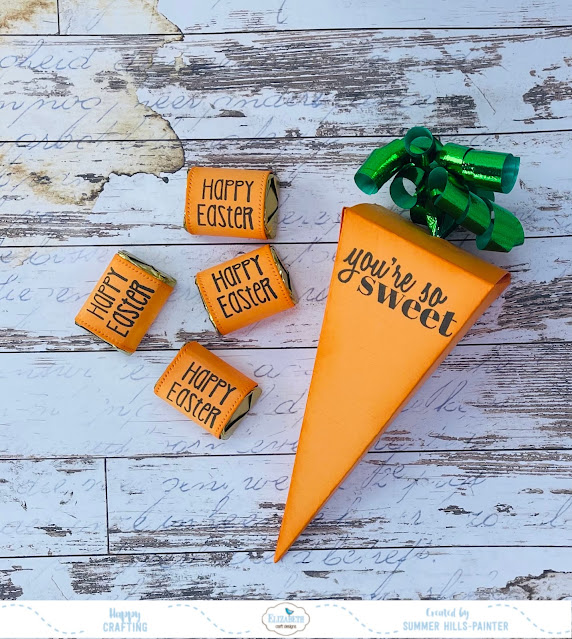
Sweet Carrots!

 Howdy my crafty friends! Today I am sharing my this sweet treat box using dies from Elizabeth Craft Designs.  For this project, I used the ...